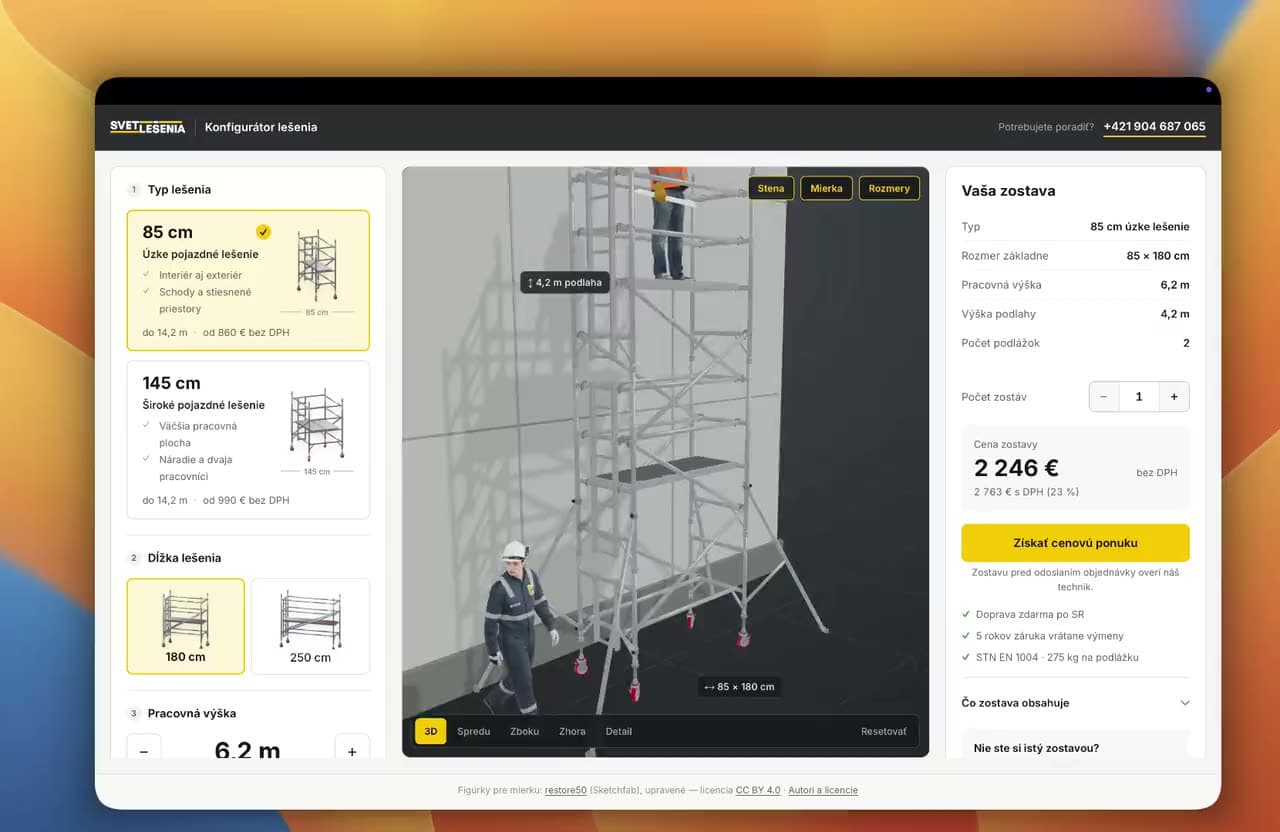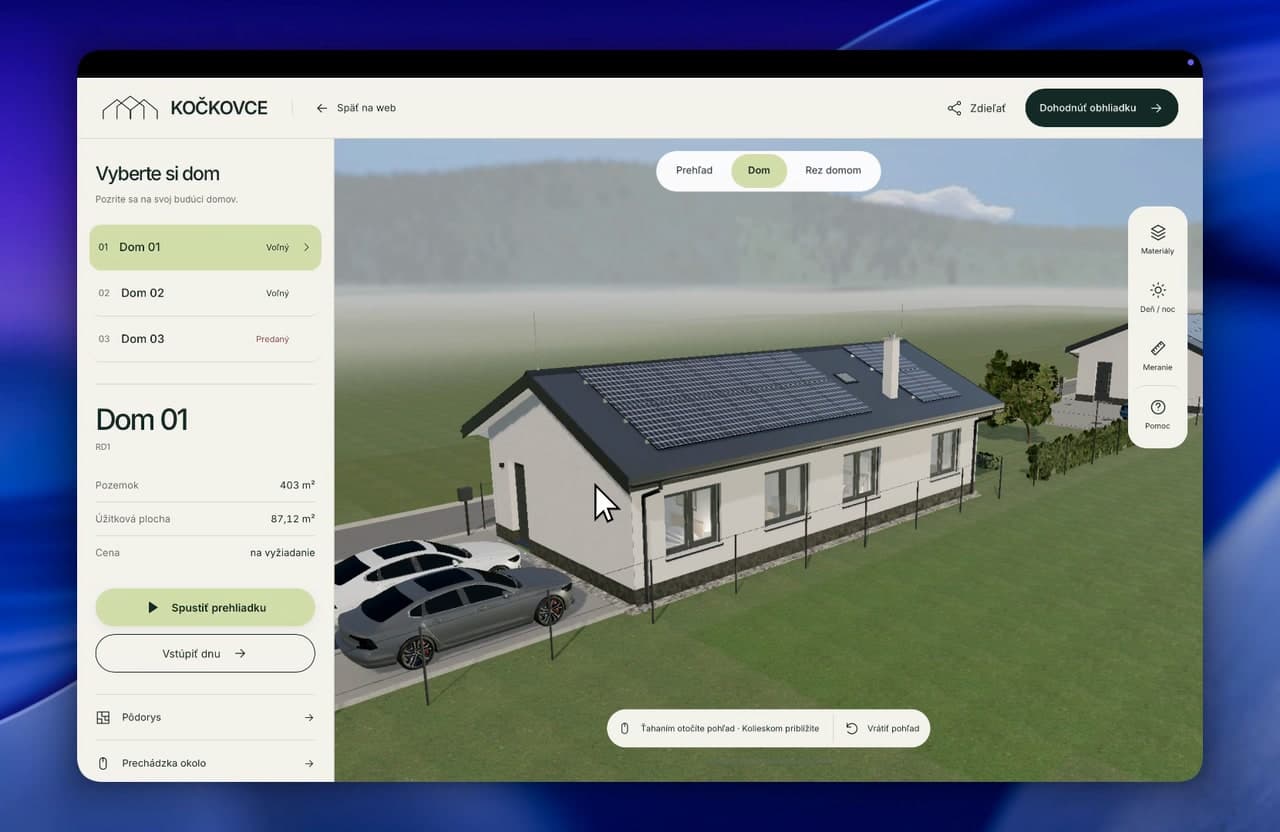
 Gates and fencing
A sketch of the property becomes an instant 3D preview
The customer draws the perimeter, enters the lengths and chooses the solution they want. The configurator prepares an accurate basis for choosing the fence, pricing and further communication.
- Client
- MetalWorks
- Solution
- Step-by-step 3D configurator
- Key input
- Sketch and section lengths
- Output
- 3D layout and pricing basis
Challenge
A property isn’t a catalogue item
Every project has its own perimeter, entrances and sections. A static form can’t capture how they relate to each other precisely enough.
Geometry has to stay understandable
Drawing the layout had to work without any CAD experience while still producing data that can be used for selection and pricing.
Solution
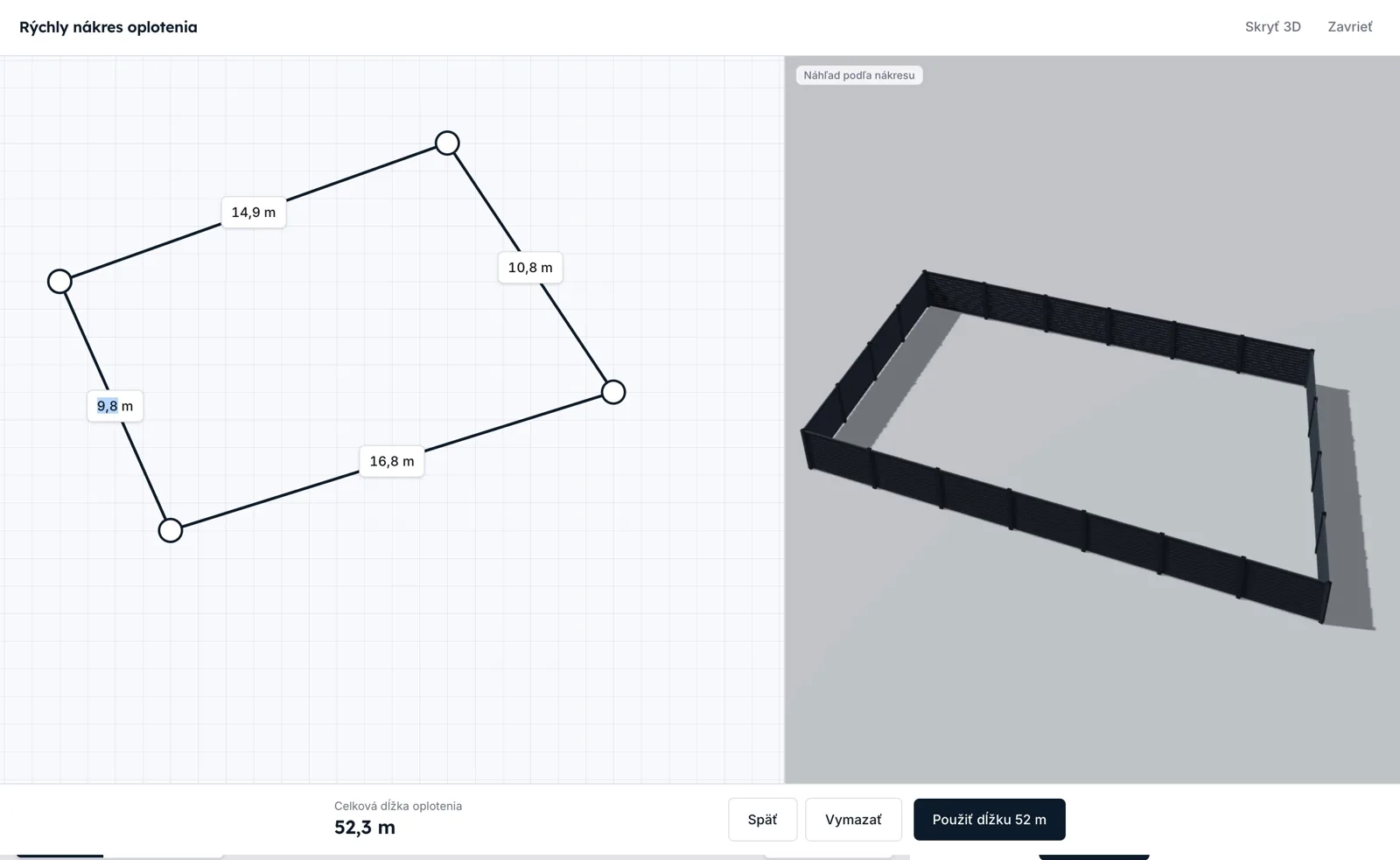
Sketching right in the browser
Users create the perimeter from simple points and add the lengths. The interface keeps showing what has been entered and what still needs to be completed.
One geometry for selection and 3D
The floor plan becomes the shared foundation for the visualization, the split between fence types and the pricing logic.
How it works
From input to inquiry
One consistent flow instead of a separate form, visualization and price calculation.
- 01
Perimeter
Points and the basic shape of the plot.
- 02
Lengths
Exact dimensions of each section.
- 03
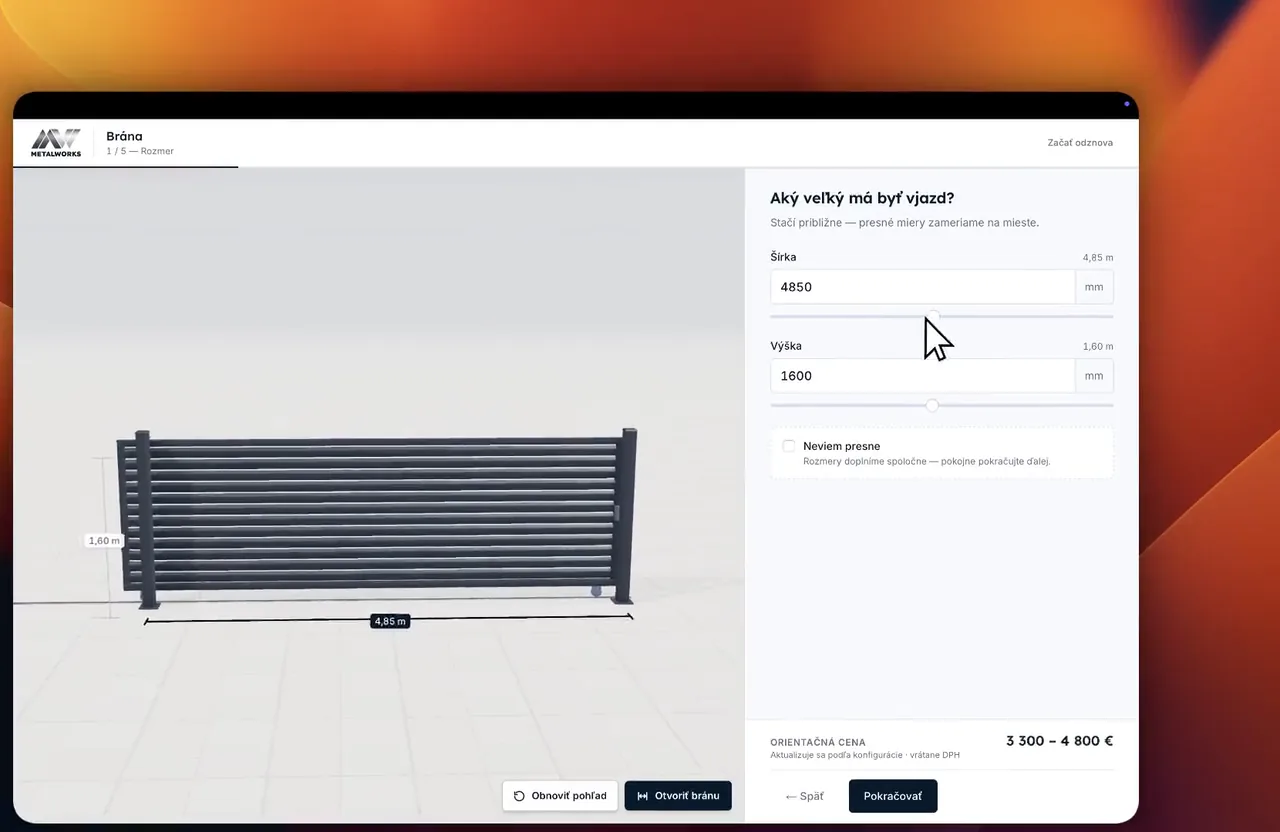
Elements
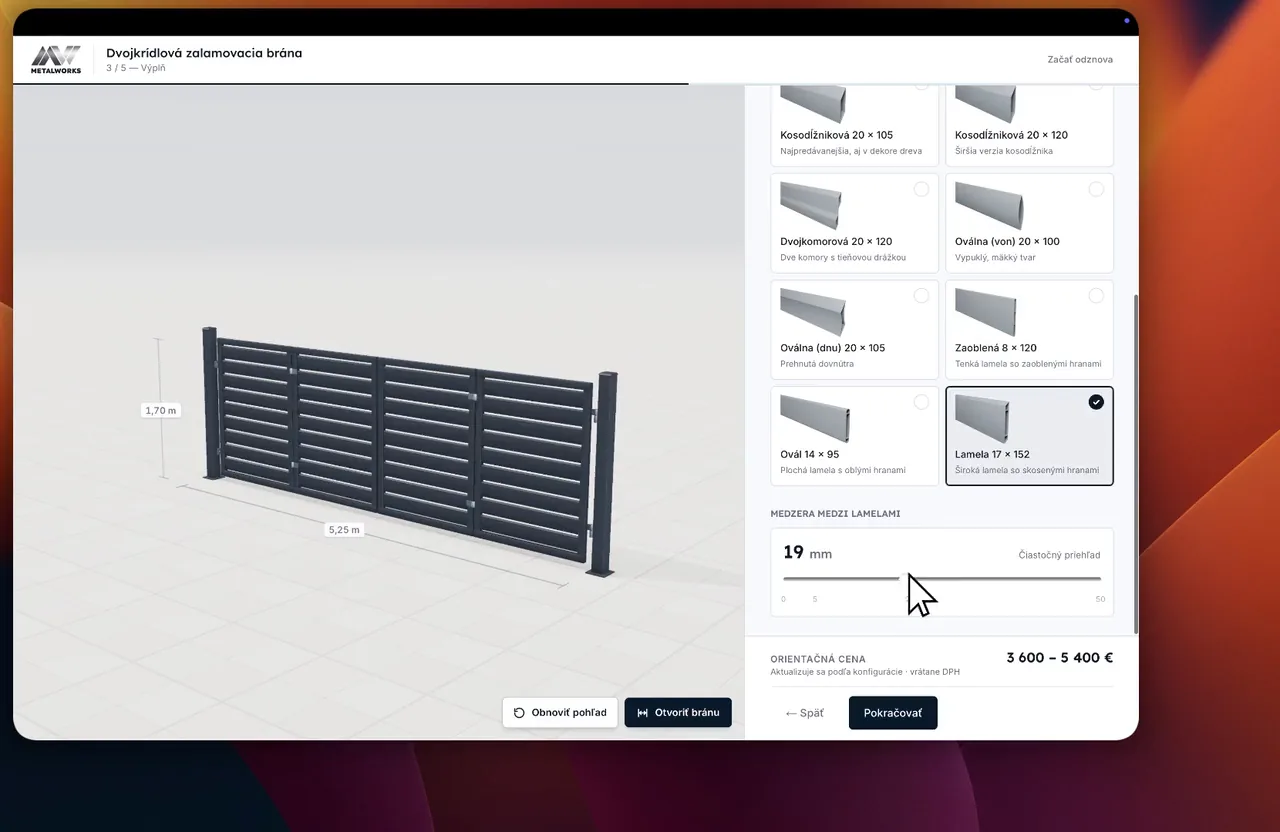
Gates, entrances and fence types.
- 04
Output
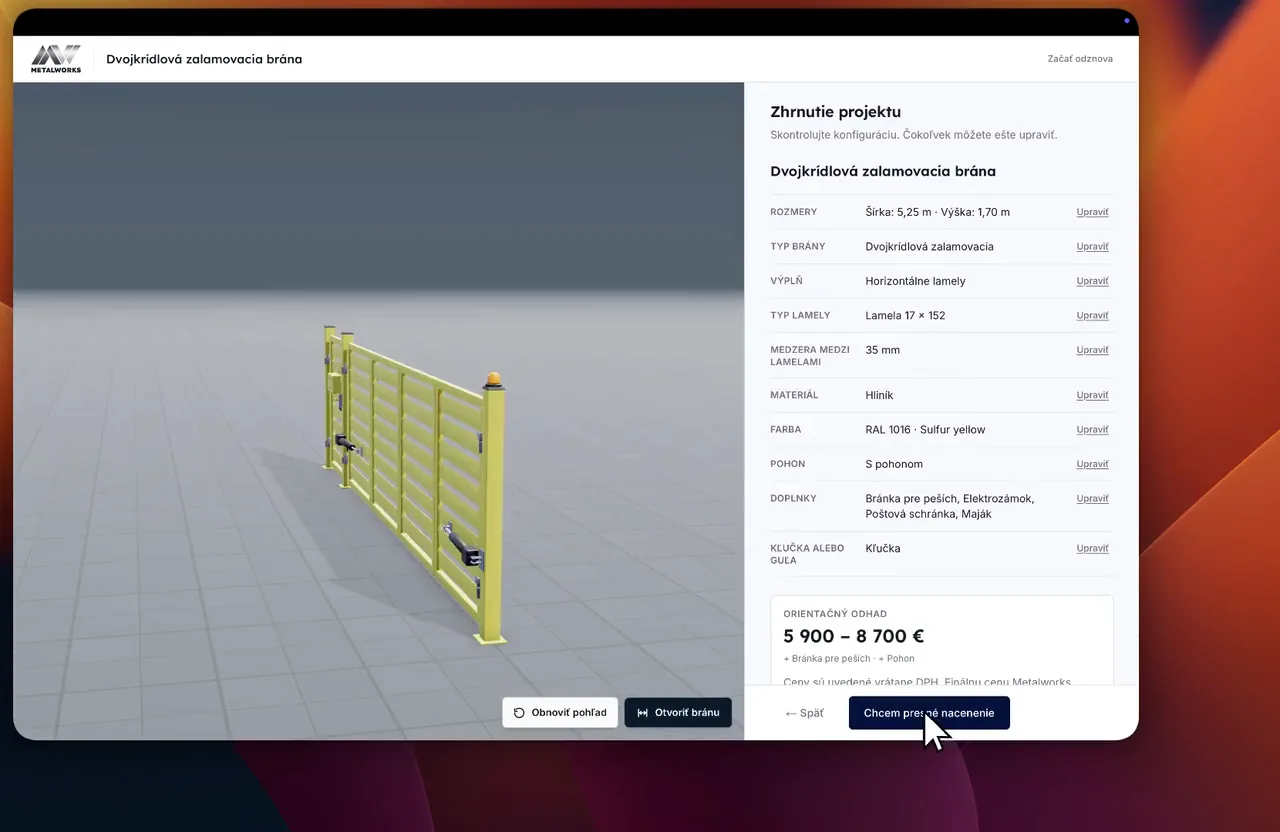
3D layout and a structured inquiry.
Result
A complex brief now has a shared visual basis
The customer and the salesperson no longer work with a verbal description of the plot. Both see the same layout, dimensions and position of the main elements.
- a more precise spatial brief
- fewer misunderstandings at first contact
- data ready for further pricing