Configurators
Why a product configurator improves the quality of inquiries
How a configurator helps customers understand the product and brings more specific, higher-quality inquiries for the sales team and the whole sales process.
Contents
A modern website no longer has to be just a place where visitors read about a company and look at a few photos. It can get them actively involved in choosing a product, setting up their own solution, getting an indicative price and sending a specific inquiry.
That’s exactly what a product configurator is for.
Instead of a generic “I’d like a quote”, the company receives an inquiry that already contains the chosen model, dimensions, material, colour, add-ons or preferred type of installation.
The result is a better user experience, more relevant inquiries and a simpler sales process.
What is a product configurator
A product configurator is an interactive part of a website that guides visitors through choosing a product or service.
Step by step, the user can choose, for example:
- the product type,
- model,
- dimensions,
- material,
- colour,
- technical specification,
- optional add-ons,
- installation location.
At the end, they can see an indicative price, a visualization of the result or a form to request a quote.
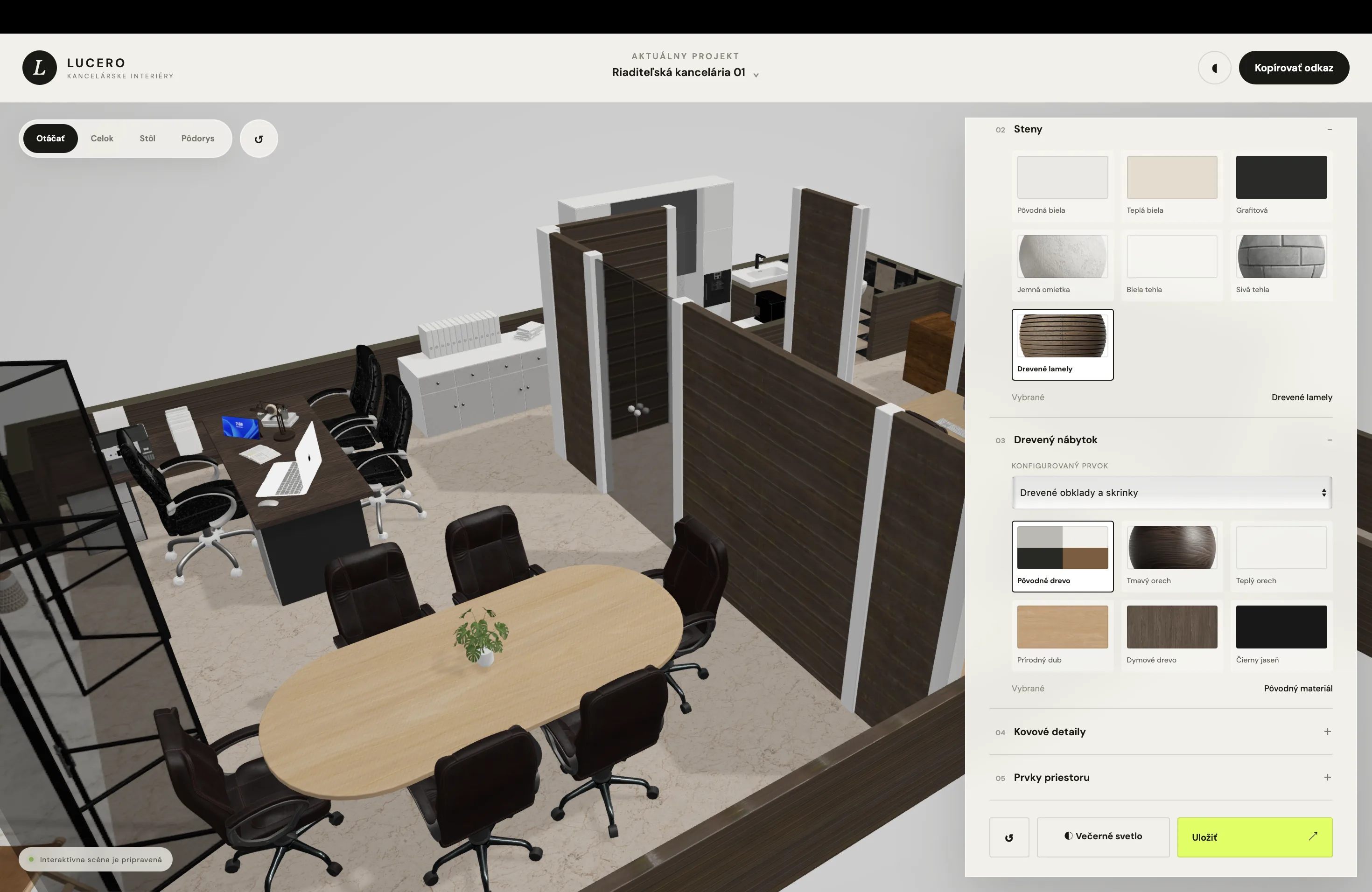
A configurator can be simple and image-based, but it can also include a realistic 3D model that changes with the selected options.
Its biggest advantage is that visitors don’t just read passive content. They actively build a solution they’re genuinely interested in.
Visitors stay on the website longer
A typical product page contains text, photos and a button to send an inquiry. Visitors read the information, look at a few images and then have to decide whether to get in touch.
A configurator creates a completely different experience.
Users click through the options, compare materials, change colours and watch how their decisions affect the result. With every step, they invest more time and attention in the configuration.
That naturally increases their motivation to finish the whole process.
The more effort visitors put into their own design, the more likely they are to send it to the company or request a quote.
The product becomes easier to understand
Some products are very hard to explain with text alone.
Customers may not know the difference between materials, models or technical options. They may not be able to picture what the final product will look like once several elements come together.
A configurator solves this problem visually.
Users instantly see:
- which options are available,
- what each element looks like,
- what changes with their choice,
- which combinations are possible,
- what the final product can look like.
Instead of a complex technical description, they get a clear and illustrative process.
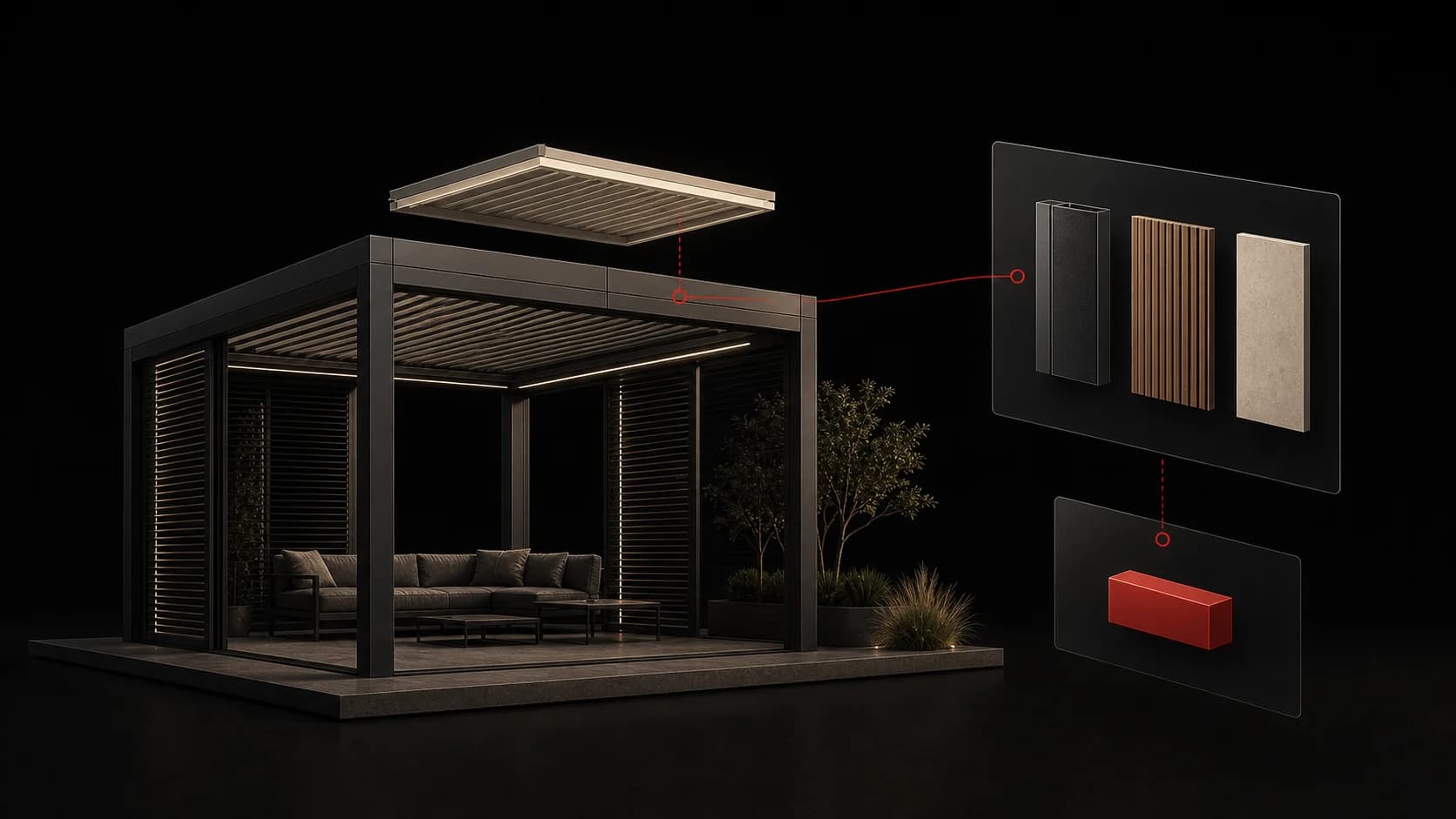
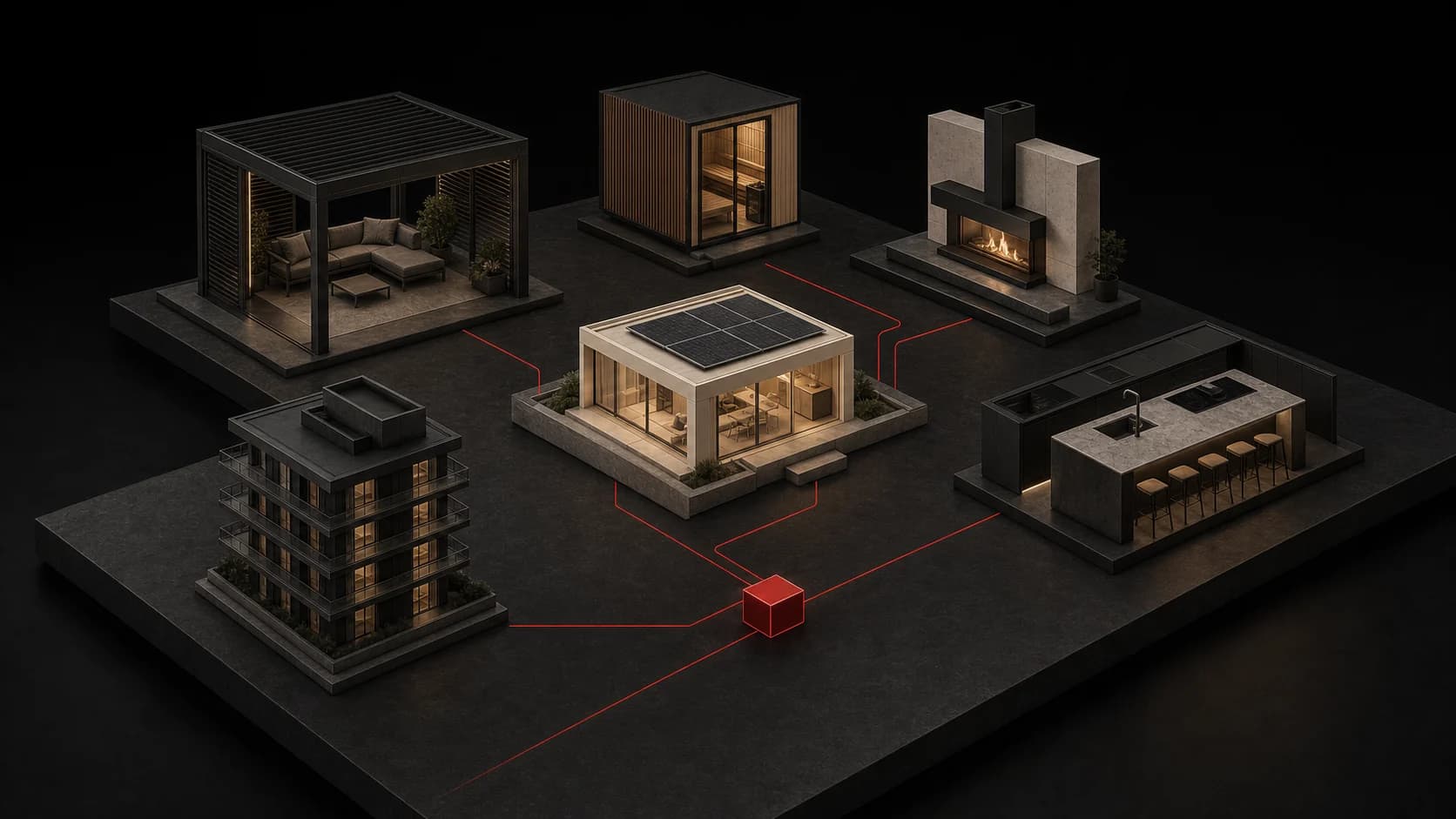
This is especially important for products such as pergolas, saunas, fireplaces, kitchens, windows, solar systems, garden buildings or real estate.
The inquiry contains specific information
One of the biggest problems with classic contact forms is the lack of information.
Companies often receive a message like:
“Hello, I’m interested. How much does it cost?”
The salesperson then has to contact the customer and gather the basic details: dimensions, model, material, timeline, location and other requirements.
A configurator can collect this information before the first contact.
The company can receive an inquiry that contains, for example:
- a pergola with a specific roof type,
- a width of 4 metres,
- an anthracite frame,
- side shading,
- LED lighting,
- installation in Košice.
The salesperson no longer starts from zero. They know what the customer is interested in and can prepare a more precise answer.
Customers can get a price instantly
Price is one of the most common questions when buying a product or service.
Many companies don’t publish prices on their website because they depend on several parameters. Customers have to send a form, wait for a reply or make a phone call.
A configurator can calculate the price automatically based on the selected options.
It doesn’t always have to be a final quote. An indicative price or a price range is often enough.
Users immediately find out whether the solution roughly fits their budget.
At the same time, the company filters out inquiries from people with completely unrealistic price expectations.
The result can be fewer low-quality inquiries but more real sales opportunities.
A configurator reduces uncertainty when deciding
Customers may be interested in a product but still not be sure what exactly they need.
On a classic website, they often have to contact the company before they’ve formed a clear idea. Some people put this step off because they don’t want to call, don’t want to feel sales pressure or are simply still comparing options.
A configurator lets them explore the offer at their own pace.
They can try several combinations, go back a step and compare variants without talking to a salesperson.
By the time they finally submit the form, they usually have a much more specific idea.
Interactive content attracts more attention
Most company websites work in a very similar way.
Visitors scroll through text, photos, references and a contact form. Even a good website can end up looking like dozens of competitors’ sites.
A configurator creates a more memorable experience.
Visitors don’t just see what the company offers. They actually try configuring the product themselves.
An element like this can become the website’s main competitive advantage. It helps the company come across as more modern, professional and technologically advanced.
A configurator can also improve the performance of ad campaigns. An ad doesn’t have to send users to a generic product page. It can send them straight into an interactive tool where they create their own solution.
A better path from ad to inquiry
Imagine an ad for pergolas.
In the classic approach, the user clicks the ad, opens the website, reads the information and is then expected to fill in a form.
With a configurator, the call to action can be much more specific:
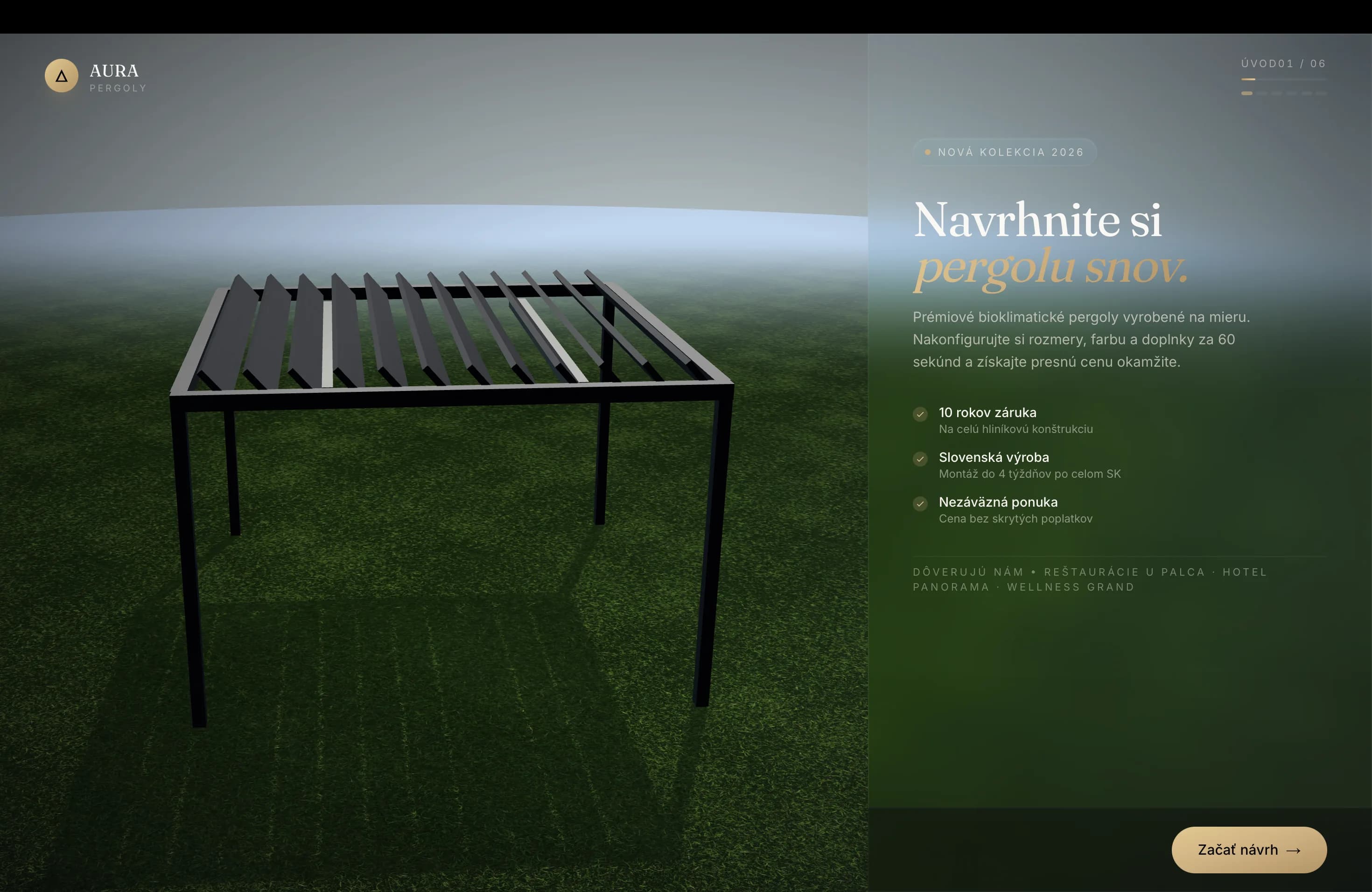
“Design your own pergola and get an indicative price.”
Users immediately understand what will happen after they click. They don’t just land on another information page. They get a tool that helps them decide.
This can make the ad more attractive and increase the chance that the visitor completes the whole process.
The company gains data on customer interest
A configurator doesn’t have to be used only for collecting contact details.
It can also show which options people are most interested in.
The company can track, for example:
- the most frequently chosen models,
- popular colours and materials,
- the most common combinations,
- the steps where users drop off,
- the average configuration value,
- the number of completed and abandoned configurations.
This information can help adjust the offer, plan advertising and decide on new products.
If many users stop at a particular step, it may mean that the step is unclear, complicated or doesn’t provide enough information.
The configurator can then be gradually optimized based on how visitors actually behave.
The sales team saves time
If the configurator collects all the important details, the salesperson doesn’t have to repeat the same questions during the first contact.
They can go straight to:
- verifying technical feasibility,
- refining the price,
- recommending the right option,
- arranging a site visit,
- closing the order.
This saves time for both the company and the customer.
The configurator can be connected to a CRM system, email or the company’s internal system. Every configuration is saved automatically and assigned to a specific contact.
With a larger volume of inquiries, this kind of automation can greatly simplify the sales process.
When a product configurator makes the most sense
A configurator is especially suitable when a product has several options and the final price or appearance depends on the customer’s choices.
It makes a lot of sense, for example, for companies that sell:
- pergolas,
- saunas,
- fireplaces,
- kitchens,
- custom furniture,
- windows and doors,
- garden sheds,
- solar systems,
- pools,
- shading systems,
- vehicles or technical equipment.
It can also be used for services.
Users can choose the scope of a website, a marketing package, the type of project, the timeline or additional services.
A configurator isn’t right for every business. If a company offers only one simple service at a fixed price, a classic form may be enough.
It delivers the most value where customers need help choosing or where the company keeps explaining the same options.
Which configurator is right for your company
Not every configurator has to be a complex 3D application.
There are several levels of solution.
A simple step-by-step configurator
Users select options one by one using cards, images or buttons.
It suits companies that want to simplify their form and receive more precise inquiries.
A configurator with automatic pricing
The price updates continuously based on the customer’s choices.
It suits products and services for which clear pricing rules can be defined.
A visual configurator
Users see how the colour, material, model or add-ons change.
Instead of a 3D model, it can use prepared product images or layers.
A 3D configurator
The product is displayed as an interactive 3D model.
Users can rotate it, zoom in and change individual components in real time.
This type is especially suitable for visually attractive and more expensive products where appearance strongly influences the customer’s decision.
What a good configurator needs
Interactivity alone isn’t enough.
A configurator has to be designed to be simple, fast and easy to understand.
Users should always know:
- which step they’re on,
- what they need to choose right now,
- how many steps remain,
- how their choice affects the result,
- what happens when they finish.
Each option should be visually distinct and easy to tap. Copy needs to be short and clear.
The configurator must also work well on mobile, since a large share of visitors may come from Instagram, Facebook or mobile ads.
Speed matters too. If the configurator takes too long to load or responds slowly, users may leave before finishing.
The most common mistakes when building a configurator
One of the biggest mistakes is having too many steps.
A company may want to collect every possible piece of information from the customer, but every extra step increases the risk that the visitor won’t finish.
A configurator should only ask for information that’s needed for the selection or the quote.
Another mistake is using technical terms customers don’t understand.
If a technical term is unavoidable, it should be accompanied by a simple explanation or an image.
An unclear outcome can also be a problem.
Users need to know what they’ll get when they finish. It might be an indicative price, a configuration summary, a quote or a call from a salesperson.
A configurator isn’t just a design element
A good product configurator isn’t just a nice animation on a website.
It’s a sales tool.
It combines product presentation, information gathering, price calculation, customer qualification and inquiry submission into one process.
If it’s designed well, it can:
- increase the number of completed inquiries,
- improve lead quality,
- shorten the sales process,
- reduce repeated questions,
- improve the user experience,
- set the company apart from competitors.
The greatest value doesn’t come from the technology itself, but from how it helps the customer take the next step.
Conclusion
Today’s visitors don’t just want to read about products. They want to view them, compare them, customize them and get as much information as possible before contacting the company.
A product configurator lets them create their own solution and gives the company a more precise, more valuable inquiry.
For companies with a variable product, a configurator can be one of the strongest elements of the entire website.
Not because it looks modern, but because it connects the visitor’s interest with a concrete sales opportunity.
Do you have a product your customers need to configure?
At Lucero, we design interactive product and 3D configurators that make choosing easier for customers and bring companies more specific inquiries.
We design the whole process, from the logic of each step and the user interface to the visualization, pricing and data submission.
Take a look at our configurators or tell us about your project.
Keep reading
More articles
Which companies benefit most from an online configurator?
Find out which companies an online configurator helps by simplifying product choice, bringing more specific inquiries and saving the sales team time.
Read article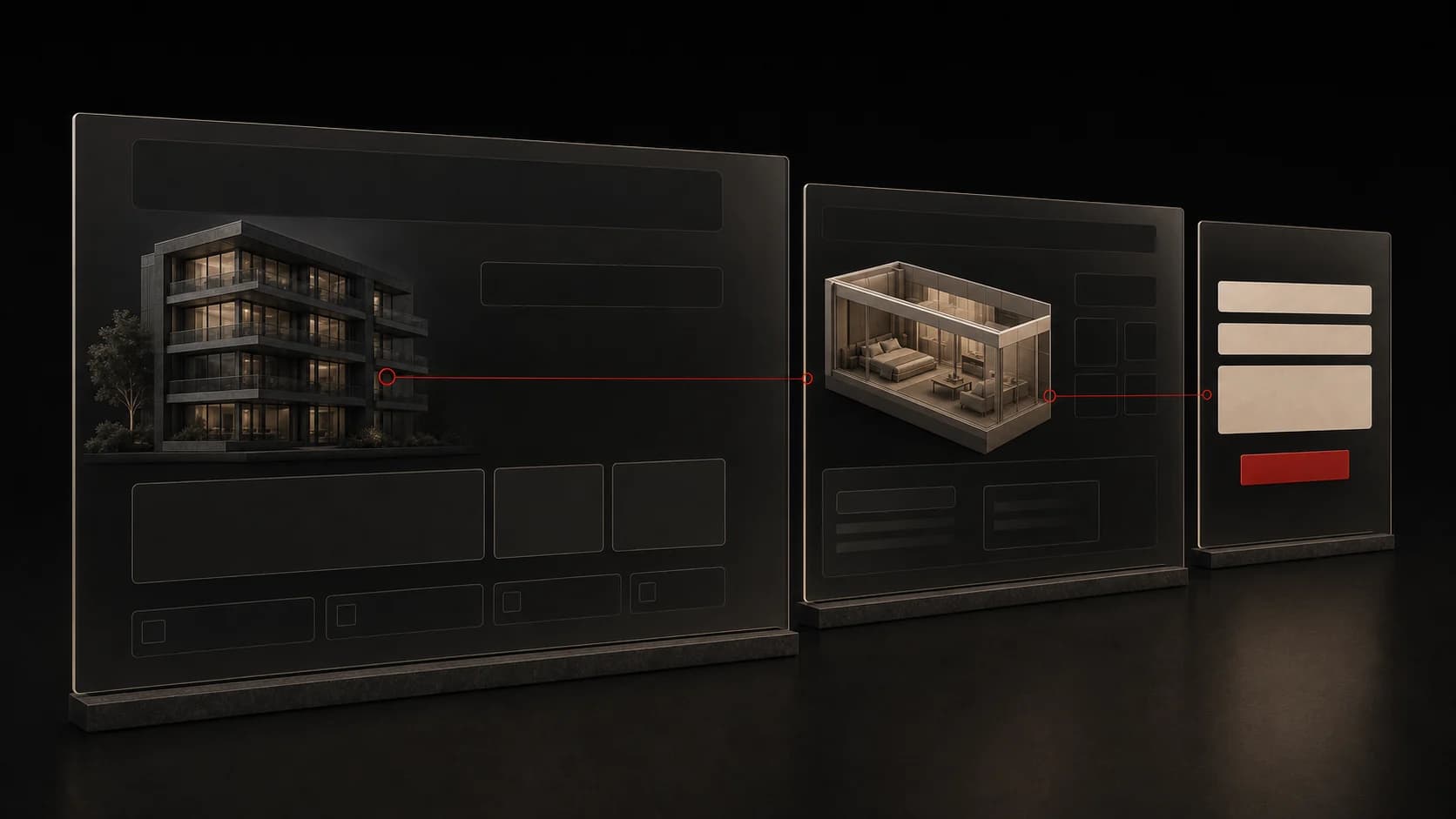
Why a beautiful website isn’t enough if users don’t know what to do next
Why attractive design falls short without a clear offer, navigation, calls to action, mobile usability, speed and a logical user journey.
Read article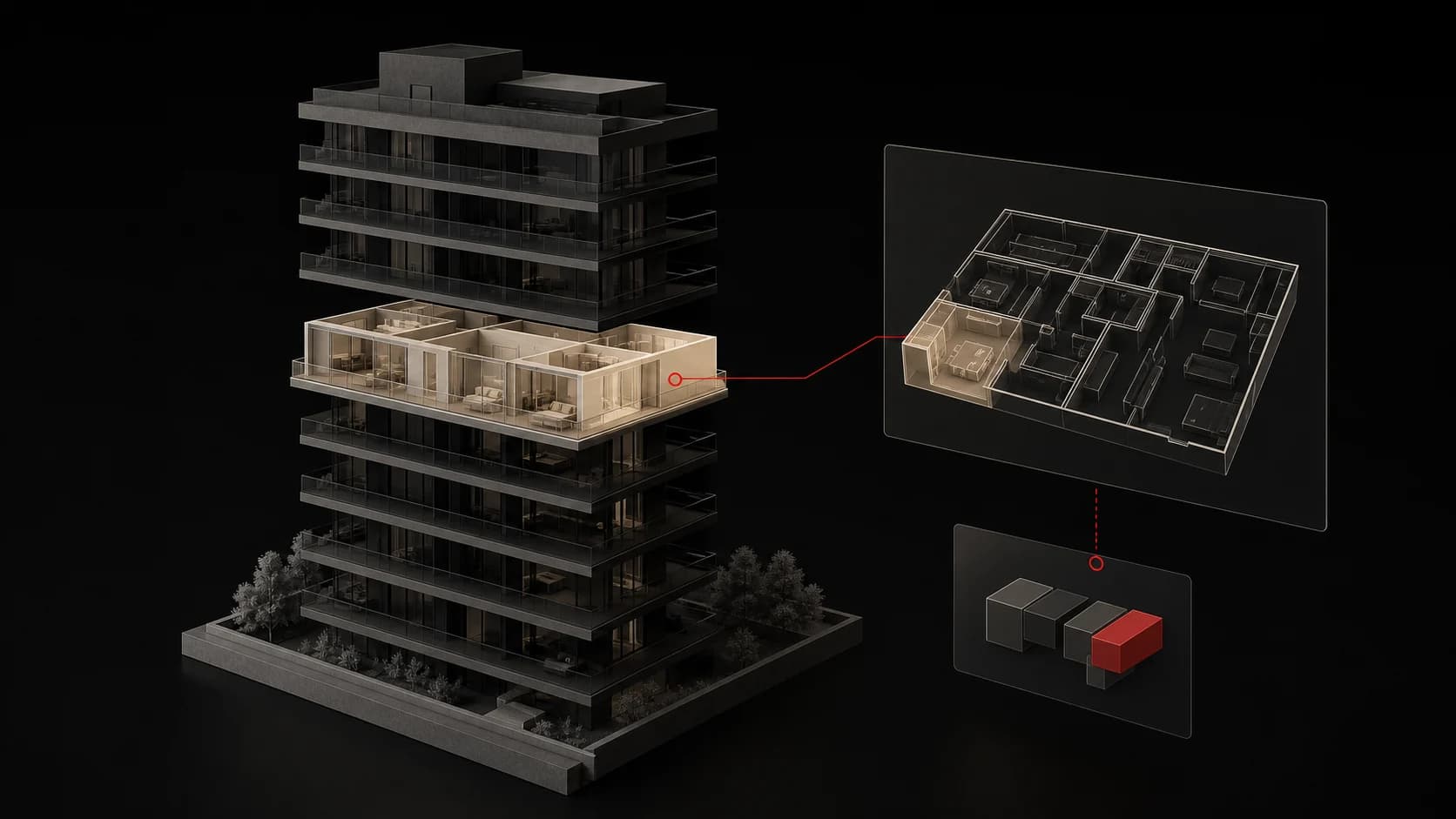
What a modern digital presentation of a real estate project can look like
How to combine premium visuals, interactive apartment selection, live availability and a simple sales process on a modern real estate project website.
Read article